
Vehicle Dynamic Control (VDC) OFF switch
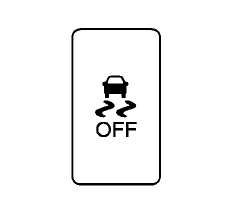
The vehicle should be driven with the Vehicle Dynamic Control (VDC) system on for most driving conditions.
If the vehicle is stuck in mud or snow, the VDC system reduces the engine output to reduce wheel spin. The engine speed will be reduced even if the accelerator is depressed to the floor.
If maximum engine power is needed to free a stuck vehicle, turn the VDC system off.
To turn off the VDC system, push the VDC OFF switch. The indicator will illuminate.
Push the VDC OFF switch again or restart the engine to turn on the system. (See “Vehicle Dynamic Control (VDC) system” in the “5.
Starting and driving” section.)
See also:
System malfunction
If the I-FCW system detects a malfunction, it will switch off automatically. A warning chime will sound, the
“Malfunction See Owner’s Manual” message will appear in the vehicle information di ...
BSW/LDW automatic deactivation
When dirt, rain or snow cannot be removed by
the automatic washer and blower and accumulates
on the camera, making it impossible to
detect the vehicles or the lane markers, the
BSW and/or LDW syst ...
Basic information
WARNING
Radio waves may interfere with certain electronic medical devices. Anyone who uses a pacemaker or another
implanted medical device should contact the device manufacturer before usin ...