
Map pockets
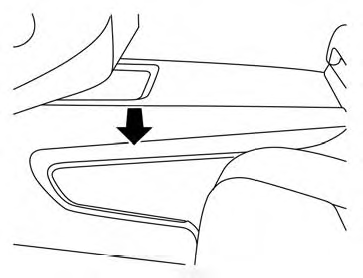
Front Console
See also:
Repair and replacement procedure
The front air bags, side air bags, curtain and
rollover air bags and pretensioners are designed
to activate on a one-time-only basis. As a
reminder, unless it is damaged, the supplemental
air bag ...
Care of the soft top and the vehicle body
To use your CrossCabriolet safely and comfortably,
you need to observe all the warnings and
cautions shown in the previous pages. Also, to
maintain a good appearance of the soft top and
the vehicl ...
Liftgate position setting
The liftgate can be set to open to a specific height
by performing the following:
1. Open the liftgate using the request switch or
the Intelligent Key.
2. Pull the liftgate down to the desired pos ...