
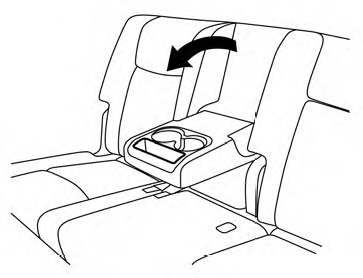
Storage tray
WARNING
Do not place sharp objects in the trays to help prevent injury in an accident or sudden stop.
See also:
CD/DVD/USB memory care and cleaning
CD/DVD
• Handle a CD/DVD by its edges. Never
touch
the surface of the disc. Do not bend the
disc.
• Always place the discs in the storage case
when they are not being used.
• To clean ...
RearView Monitor system limitations
WARNING
The limitations of the RearView Monitor are described below. Failure to understand these restrictions or to
operate the vehicle accordingly could result in a collision, serious injury, o ...
Hardtop models
CAUTION
• Do not store the main sun visor
before storing the extension sun
visor.
• Do not pull the extension sun visor
forcedly downward.
1. To block out glare from the front, swing
down ...