
Personal lights
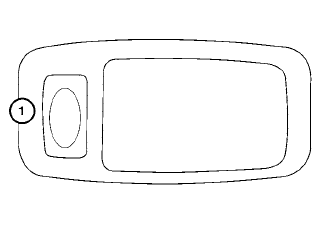
To turn on the personal lights, press and release the switch 1 .
To turn the personal lights off, press and release the switch 1 .
See also:
Hood
- Make sure the hood is completely closed and latched before driving.
Failure to do so could cause the hood to fly open and result in an accident.
- If you see steam or smoke coming from the engin ...
Flat towing
Towing your vehicle with all four wheels on the
ground is sometimes called flat towing. This
method is sometimes used when towing a
vehicle behind a recreational vehicle, such as a
motor home.
CA ...
Seat belt maintenance
● To clean the seat belt webbing, apply a
mild soap solution or any solution recommended
for cleaning upholstery or carpet.
Then wipe with a cloth and allow the seat
belts to dry in the sh ...