
Personal lights
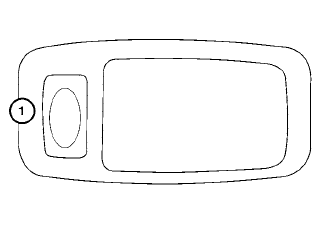
To turn on the personal lights, press and release the switch 1 .
To turn the personal lights off, press and release the switch 1 .
See also:
Seats
WARNING
● Do not ride in a moving vehicle when
the seatback is reclined. This can be
dangerous. The shoulder belt will not
be against your body. In an accident,
you could be thrown into i ...
Troubleshooting guide
The system should respond correctly to all voice commands without difficulty.
If problems are encountered, follow the solutions given in this guide for the
appropriate error.
Where the solutions ...
Tire labeling
Example
Federal law requires tire manufacturers to
place standardized information on the
sidewall of all tires. This information identifies
and describes the fundamental
characteristics of the ...