
Seatback pockets
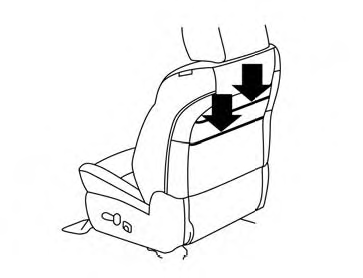
There are two seatback pockets located on the back of the driver and passenger seats. The pockets can be used to store maps.
See also:
Drive belts
1. Alternator
2. Water pump
3. Drive belt auto-tensioner
4. Crankshaft pulley
5. Air conditioner compressor
Be sure the ignition switch is in the OFF or LOCK position before servicing
drive ...
Speedometer and odometer
Speedometer
The speedometer indicates vehicle speed.
Odometer/Twin trip odometer
The odometer 1 and the twin trip odometer 2
are displayed below the Vehicle Information Display
when the ignitio ...
Center multi-function control panel (models with color display screen)
With navigation system
1. “STATUS” status display button
2, 6, 7, 8, 9.
For navigation system control buttons (Refer to
the separate Navigation System Owner’s Manual.)
3. Multi-function c ...