
Vehicle Dynamic Control (VDC) OFF switch
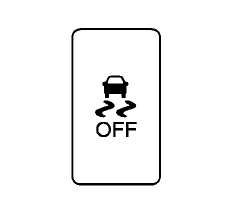
The vehicle should be driven with the Vehicle Dynamic Control (VDC) system on for most driving conditions.
If the vehicle is stuck in mud or snow, the VDC system reduces the engine output to reduce wheel spin. The engine speed will be reduced even if the accelerator is depressed to the floor.
If maximum engine power is needed to free a stuck vehicle, turn the VDC system off.
To turn off the VDC system, push the VDC OFF switch. The indicator will illuminate.
Push the VDC OFF switch again or restart the engine to turn on the system. (See “Vehicle Dynamic Control (VDC) system” in the “5.
Starting and driving” section.)
See also:
Loading tips
● The GVW must not exceed GVWR
or GAWR as specified on the
F.M.V.S.S./C.M.V.S.S. certification
label.
● Do not load the front and rear axle to
the GAWR. Doing so will exceed the
GVWR ...
Appearance and care
Proper care helps preserve the appearance, comfort, and long-term condition of your Nissan Murano. Regular
cleaning of the exterior and interior, together with prompt removal of dirt, road residue, ...
When traveling or registering your vehicle in another country
When planning to drive your NISSAN vehicle
in another country, you should first find
out if the fuel available is suitable for your vehicle’s
engine.
Using fuel with an octane rating that is t ...